




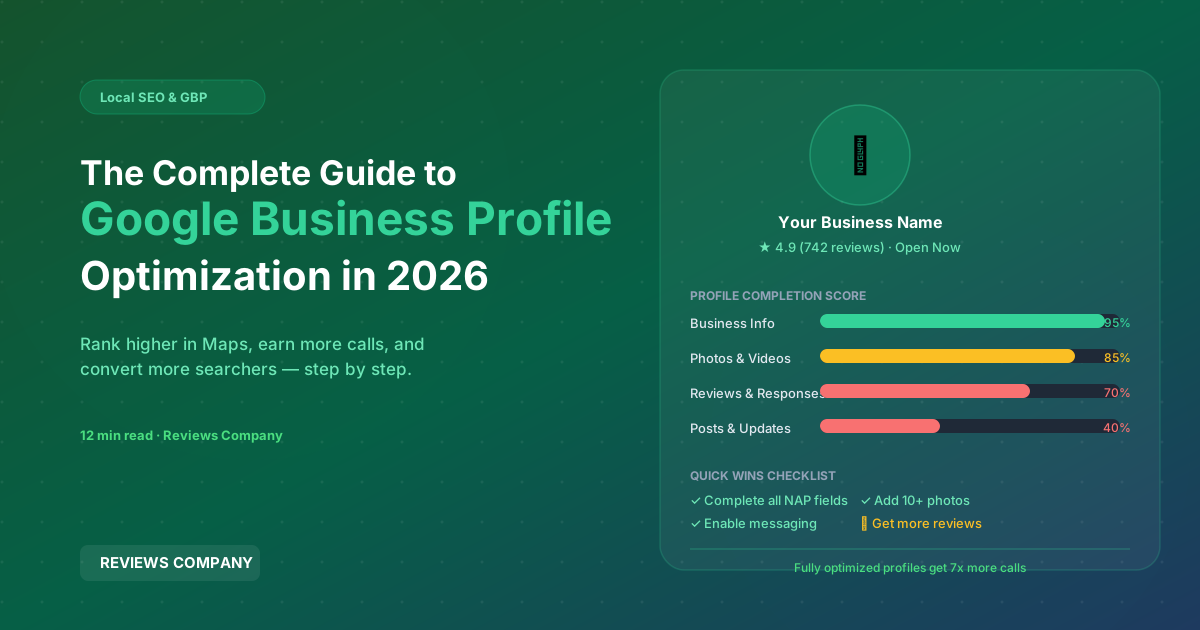
The Complete Guide to Google Business Profile Optimization in 2026
Your Google Business Profile (GBP) — formerly Google My Business — is the single most important piece of owned digital real estate for any local or brick-and-mortar business. It determines whether you appear in the Google Local 3-Pack, controls the information customers see when they search your business name, and increasingly serves as a standalone destination where customers read reviews, ask questions, view photos, and even complete bookings without ever visiting your website.
Most businesses claim their GBP and fill in the basics. The businesses that dominate local search optimize every single section — consistently, strategically, and with an ongoing commitment to freshness. This guide covers everything you need to do to maximize your GBP performance in 2026.
Step 1: Claim and Verify Your Listing
If you have not yet claimed your GBP listing, start there. Go to business.google.com, search for your business, and follow the verification process. Google typically verifies by postcard, phone call, or video verification. Until you are verified, your profile is incomplete and you cannot respond to reviews or make edits.
If your business already appears on Google but is unclaimed, claim it. Google creates GBP listings from web data automatically, and an unclaimed listing means you have no control over the information displayed about your business.
Step 2: Choose Your Primary and Secondary Categories Carefully
Categories are among the most powerful ranking signals in GBP. Your primary category tells Google what type of business you are and determines which search queries your listing is eligible to appear for. Choose the most specific category that accurately describes your primary business — "Italian Restaurant" over "Restaurant," "Family Law Attorney" over "Lawyer," "Pediatric Dentist" over "Dentist."
Secondary categories expand your eligibility for related searches. If you are an Italian restaurant that also does catering, add "Caterer" as a secondary category. If you are a dental office that offers cosmetic and orthodontic services, add those as secondary categories. But do not add categories that do not genuinely describe your business — Google's algorithm evaluates category relevance in combination with on-page signals.
Step 3: Write a Complete, Keyword-Rich Business Description
The Business Description field (750 characters) does not directly influence search ranking, but it does influence click-through rates and conversion from your profile. Write a description that clearly explains what you do, who you serve, your key differentiators, and your service area. Naturally include your primary service keywords and location without keyword stuffing.
A good description answers the question any prospective customer would ask: "Why should I choose this business over the alternatives?" Lead with your strongest differentiators — years in business, certifications, specializations, guarantees — and close with a soft CTA.
Step 4: Ensure Complete and Accurate NAP Data
NAP — Name, Address, Phone Number — must be absolutely consistent across your GBP profile and every other online directory where your business is listed (Yelp, Yellow Pages, BBB, Apple Maps, industry directories). Inconsistent NAP data is one of the most common local SEO issues and directly undermines your ranking authority.
Your business name on GBP should be exactly your real-world business name. Do not add keywords to your business name (e.g., "Smith Plumbing | Best Plumber in Denver") — this violates Google's guidelines and can result in your listing being suspended.
Step 5: Add Every Relevant Attribute
GBP Attributes are the checkboxes and labels that appear on your profile — "Wheelchair accessible," "Outdoor seating," "Free WiFi," "Accepts credit cards," "Women-owned," "LGBTQ+ friendly," etc. These serve two purposes: they help customers filter searches to find businesses with specific features, and they contribute to relevance for attribute-specific searches.
Review every available attribute for your business category and check everything that accurately applies. Do not skip this section — it takes five minutes and has ongoing impact on your visibility for filtered searches.
Step 6: Upload High-Quality Photos Consistently
GBP listings with more than 100 photos receive 520% more calls than the average listing (Google data). Photos communicate the reality of your business in a way that words cannot. The types of photos that have the most impact:
- Exterior photos: Customers need to find you. Multiple shots from different angles and in different lighting (day, evening) help.
- Interior photos: Show the atmosphere and environment — particularly important for restaurants, salons, spas, and medical offices.
- Product/service photos: Show what you actually sell or do. Before/after photos are especially compelling for service businesses.
- Team photos: Put faces to the business. Customers buy from people, and humanizing your business increases trust.
Consistency matters more than volume. Adding 5 new photos per month outperforms uploading 200 photos once. Freshness signals activity to Google.
Step 7: Post Google Business Updates Weekly
GBP Posts — Updates, Offers, Events, and Products — are mini-announcements that appear on your profile and contribute to freshness signals. Businesses that post weekly have measurably higher local rankings than comparable businesses that do not. Posts expire after 7 days (Events expire on the event date), so a weekly posting cadence keeps your profile continuously fresh.
Post ideas that consistently perform: seasonal offers, new products or services, team news, case studies or testimonials, responses to seasonal demand ("now booking summer patio season," "flu shots available"), and local community involvement.
Step 8: Manage Your Q&A Section
The Q&A section of your GBP profile allows anyone to ask questions — and anyone to answer them. This means competitors or ill-informed members of the public can answer questions about your business incorrectly, and the wrong answer stays visible to prospective customers unless you intervene.
Audit your Q&A section monthly. Answer every unanswered question. Flag and report incorrect answers. Proactively seed the Q&A section with questions you are commonly asked in-store or by phone — then answer them yourself with complete, helpful responses. Google rewards this level of completeness.
Step 9: Build and Maintain Your Review Strategy
As covered in detail elsewhere on this blog, review quantity, quality, recency, and response rate are confirmed local ranking factors. An optimized GBP profile without a strong review strategy is a car without fuel — structurally complete but not going anywhere.
Aim for at least 5 new Google reviews per month at minimum. Maintain a response rate of 100% — respond to every review within 48 hours. Keep your average rating above 4.2 at all times. Use professional review services if organic acquisition is not keeping pace with competitive requirements in your market.
Step 10: Monitor and Respond to Insights Data
GBP Insights shows you how many people searched for your business, what search queries triggered impressions, how many people clicked for directions or called from your profile, and how many people viewed your photos. Review this data monthly and let it guide your optimization priorities — if photo views are low, upload more. If calls are low, test different CTAs in your posts and description.
The Cumulative Effect
No single GBP optimization drives dramatic results in isolation. The power is in the cumulative effect of a fully optimized, consistently maintained profile over months and years. Businesses that outrank their local competitors in 2026 are doing all of these things consistently, not just some of them occasionally. Build a quarterly GBP audit into your marketing calendar and treat profile maintenance as a core, non-negotiable part of your local marketing strategy.